



What Is Cruise Control and What Does It Do in Real Driving Conditions
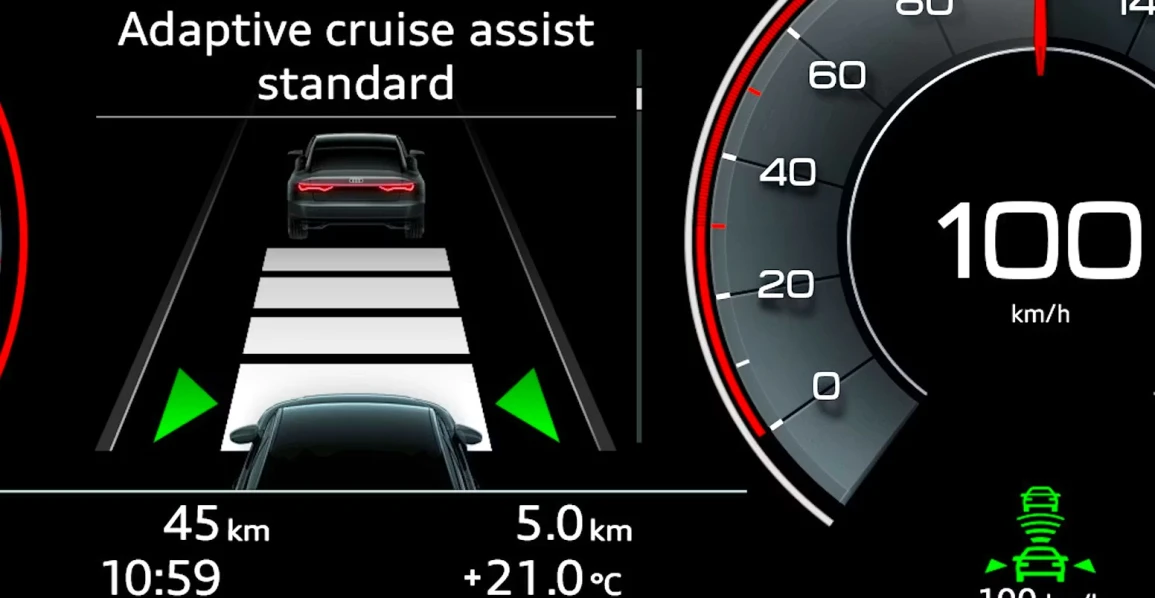
Long drives are tiring: your knee aches, your attention wanders, and your fuel consumption rises due to erratic acceleration. An electronic assistant can help by maintaining a steady speed and taking the routine task off your right foot. First, let's break down what cruise control is.
The technology maintains a set speed without the need for constant pressure on the gas pedal. A control unit reads data from sensors, compares it to the set value, and precisely meters the fuel supply. The driver remains in ultimate control: you can intervene at any moment, brake, accelerate, or cancel the mode with a single button. In newer models, the mode is integrated with other assistants, such as lane-keeping, blind-spot monitoring, and traffic sign recognition.
How Cruise Control Works
The basic principle is simple: the driver brings the car to the desired speed and locks it in. From there, the electronics maintain that parameter, preventing the speedometer needle from fluctuating. On the steering wheel or a stalk behind it, you'll find buttons for On/Off, Set, and Resume, as well as "+" and "-" for fine-tuning. Pressing the brake pedal deactivates the mode; pressing Resume returns the car to the previously saved speed.
Modern cars feature several implementations. The difference lies not only in the level of comfort but also in the sensor suite, reaction algorithms, and safety logic. It's most convenient to compare the options in a table.
System Type Comparison
System Type | Data Sources | Reaction to Vehicle Ahead | Best Use Cases |
Conventional | Wheel speed/ABS, throttle position | None, maintains fixed speed | Straight, open highways with stable traffic |
Adaptive (ACC) | Radar/Lidar, camera, ABS, engine unit | Automatically slows/speeds up, maintains distance | Motorways with variable traffic flow |
Intelligent (ICC) | ACC + maps/navigation + sign recognition | Considers gradients, speed limits | Long routes with hills and speed changes |
A conventional system is useful where traffic is predictable. An adaptive one adds distance control and dynamically reacts to slowing traffic. Intelligent versions "know" the road's profile, adjusting for inclines and speed limits to smooth out fuel use and acceleration.
How to Engage Cruise Control
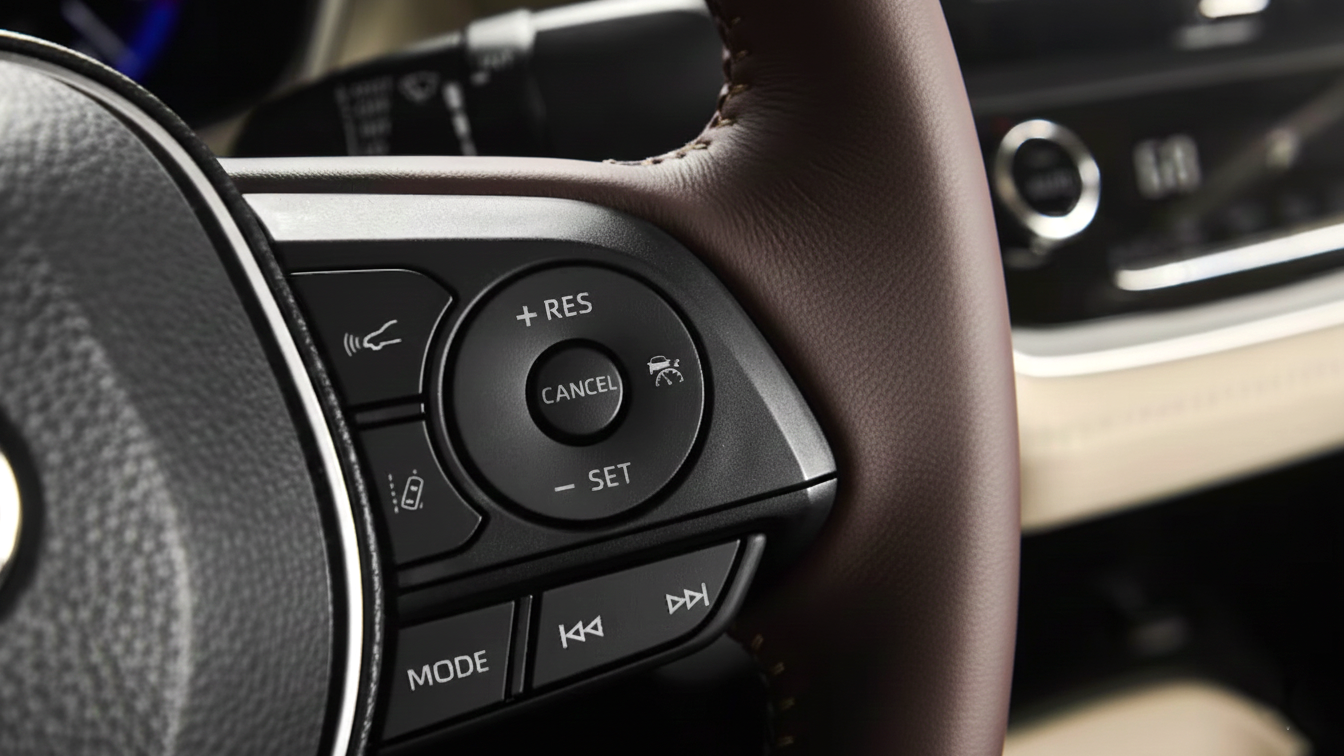
Before using it for the first time, familiarize yourself with the button layout and the logic for canceling the mode. The activation algorithm is as follows:
- Check the location of the controls on the steering wheel or stalk; ensure the readiness indicator isn't red.
- Accelerate to a comfortable speed suitable for the current road section.
- Press "Set" to lock in the value; a corresponding icon will light up on the dashboard.
- Fine-tune the speed with the "+" and "-" buttons, usually in 1-2 km/h increments, if precision is needed.
If you have to brake, use "Resume" to return to the saved speed. On long descents, do not rely solely on engine braking: the system's algorithm may not hold the speed on a steep grade, so control it with the brake pedal and deactivate the mode if necessary.
When to Use Cruise Control
Cruise control is especially useful on roads that are easy to read and do not require constant maneuvering. Before activating it, it is important to objectively assess several factors at once: the road layout, traffic density, and weather conditions. A straight highway with smooth asphalt, clear lane markings, and good visibility, where traffic flows evenly without sudden braking, is an ideal scenario for using this driver assistance feature.
In such conditions, cruise control truly shows its strengths. The vehicle maintains a steady speed without unintentional acceleration, while the driver is relieved from the need to constantly manage the accelerator pedal. The driving pace becomes smooth and predictable, reducing fatigue—particularly on long journeys. Fewer overtakes and a consistent following distance contribute to a calmer and safer driving experience.
If the trip lasts several hours, it is helpful to mentally divide the route into segments. Use cruise control where conditions remain stable and do not demand instant reactions, and disengage it in advance when approaching more complex sections. Interchanges, roadworks, lane reductions, heavy traffic, or frequent lane changes are all situations where full manual control is essential.
A simple rule for route planning is this: use cruise control where the road is predictable and the situation unfolds without surprises. This approach allows you to get the most out of the system while maintaining confidence behind the wheel.
When Not to Use Cruise Control
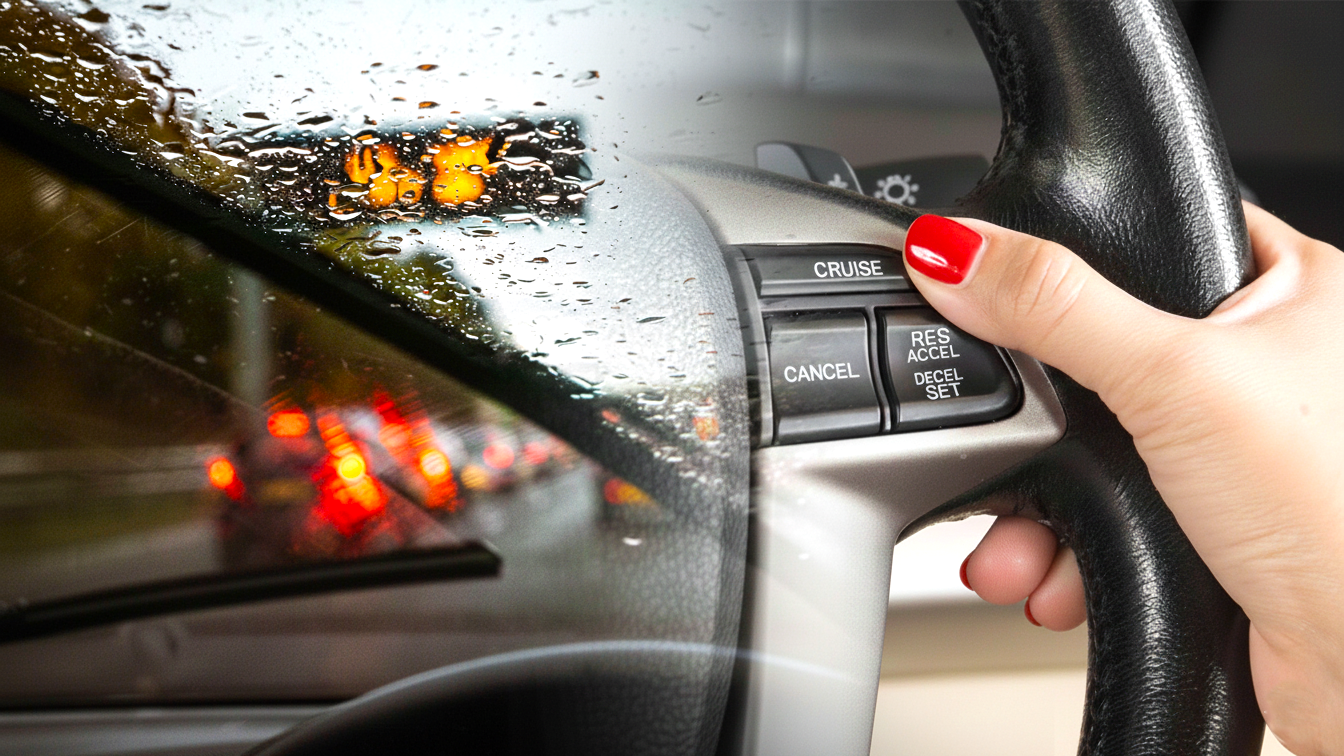
There are situations where the mode increases risk. Refrain from activating it if conditions are changing rapidly and predicting the car's behavior is difficult:
- Wet, snowy, or icy asphalt: grip is unstable, and braking distance increases.
- Urban streets with chaotic traffic and frequent lane changes: the following distance shrinks unpredictably.
- Winding and mountainous roads: gradients and blind corners require constant correction.
Three non-obvious cases are also important:
- First, strong crosswinds. The electronics maintain speed but don't compensate for gusts; hold the steering wheel firmly.
- Second, towing a trailer. The mass is increased, and the braking distance is longer.
- Third, ruts and uneven pavement. On such a road, the car may accelerate or decelerate unexpectedly.
Tips for Safe Use
Even the smartest assistant is no substitute for attentiveness. Follow these simple rules to maintain a safety margin:
- Keep your hands on the steering wheel, monitoring your lane and surroundings.
- Be ready to press the brake at any moment—this deactivates the mode instantly.
- Maintain a greater following distance than you would manually: the system's reaction takes fractions of a second.
- Check the condition of sensors and indicators: dirt on the radar or camera alters the behavior of the adaptive version.
If you feel a "drag" when pressing the accelerator or the car maintains thrust, deactivate the mode with the "Cancel" button and check if any auxiliary speed-holding scenarios are active.
What Does Cruise Control Do
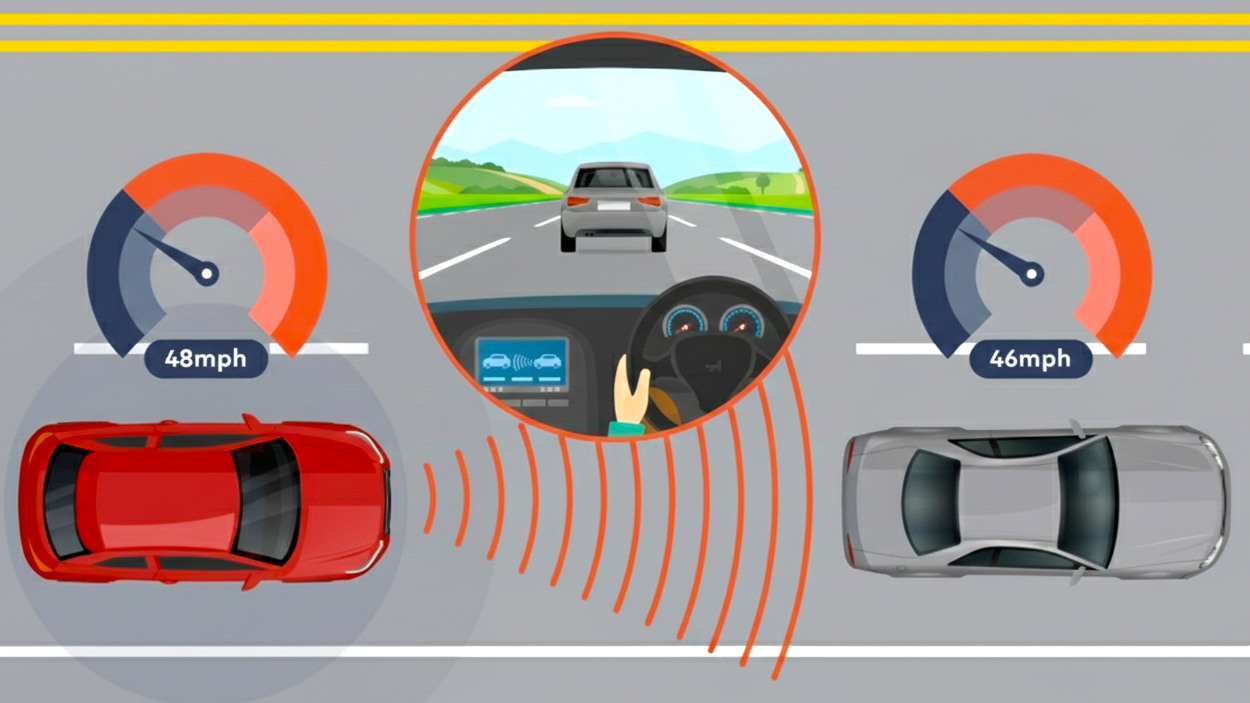
It is useful to summarize the function's purpose in one paragraph. What does cruise control do. It maintains the selected speed, unloads your foot from the gas pedal, reduces the likelihood of unintentional acceleration, and helps you adhere more closely to speed limits on long, straight sections. A side benefit is fuel savings due to even thrust and fewer unnecessary accelerations and braking events. The economic effect is more noticeable on a flat motorway. At a constant speed, the engine operates in a predictable mode, and consumption drops by 3–7%, depending on the road profile and aerodynamics.
Practical Scenarios and Common Errors
Three typical scenes will help solidify the skill.
- First, a long descent. If the speedometer needle is climbing, don't wait for the assistant to "come to its senses"—it can't apply the brakes. Deactivate the mode and control the speed manually.
- Second, overtaking a truck. Briefly add speed with the pedal, complete the maneuver, and release the gas—the car will return to the saved value.
- Third, a climb with a variable gradient. If the transmission is frantically shifting, reduce the set speed by 5–7 km/h and let the drivetrain stabilize.
Common mistakes are also clear. You shouldn't engage the mode "on autopilot" immediately after entering a highway without assessing the traffic flow. It is inadvisable to leave a minimal following distance in the adaptive version: drivers behind may perceive it as an invitation to cut in, which triggers a wave of braking.
Legal and Ethical Frameworks
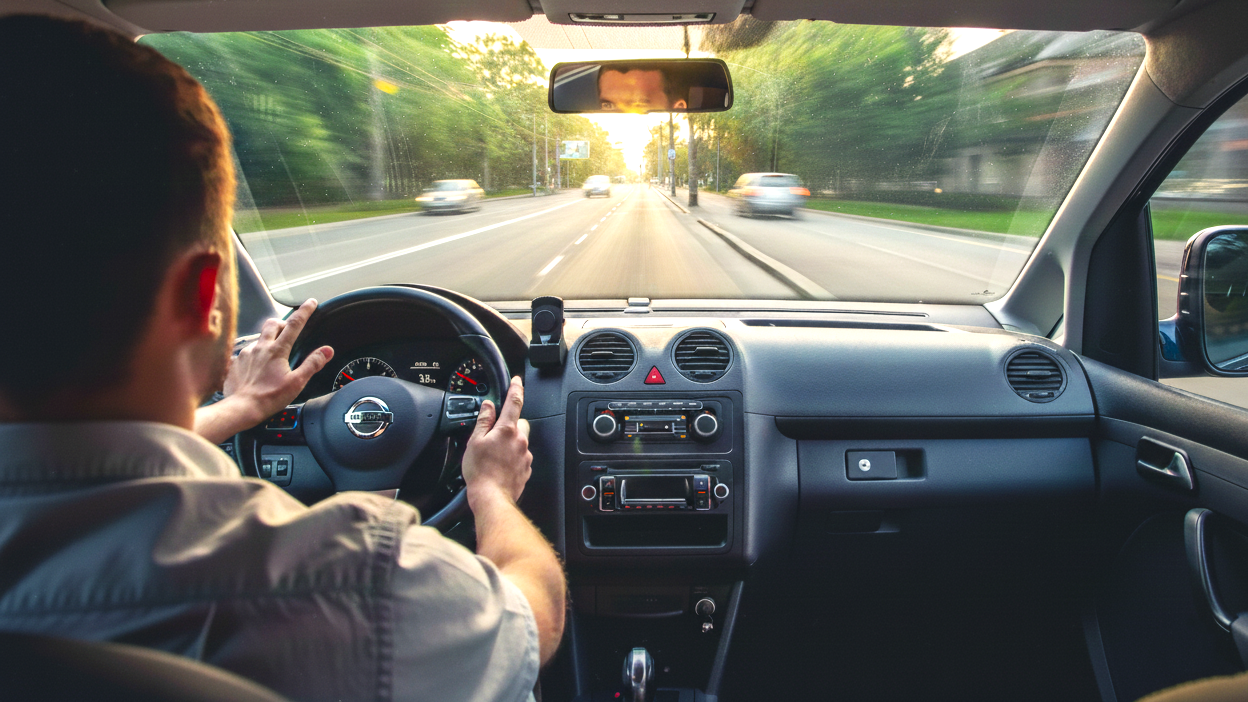
Even the most advanced electronic driver assistance systems do not relieve the driver of legal or moral responsibility. Cruise control is a support feature, not an “autopilot.” If the speed limit is 90 km/h and the vehicle unintentionally accelerates to 100 km/h on a downhill section due to gravity, it is the driver—not the system—who will be held accountable for a violation recorded by a speed camera. Electronics do not dispute fines or explain to an officer that “it just happened.”
Adaptive cruise control is also not an absolute guarantee of safety. Its sensors and cameras operate according to predefined algorithms and are subject to physical limitations. The system may reliably detect a car ahead while failing to promptly recognize a motorcycle, a narrow trailer, a cyclist, or a vehicle with unusual dimensions. In rain, fog, dirt, or bright oncoming sunlight, the likelihood of detection errors increases.
For this reason, maintaining proper following distance, controlling speed, and monitoring the road environment remain the driver’s direct responsibility. Assistance systems can reduce workload, but they do not replace attention, experience, or the ability to anticipate hazards. The driver must be ready at any moment to intervene, adjust speed, or take full control of the vehicle.
Technical discipline is equally important. Mirrors must be properly adjusted, the windshield and fields of view kept clean, and cameras and radar sensors free from stickers, snow, or dirt. Even minor contamination can lead to incorrect system behavior. A responsible approach to using driver assistance systems involves not only following the rules, but also clearly understanding the limitations of automotive electronics.
Conclusion and Motivation for Use
The function is useful when the road is predictable and the route is long. The load on your leg is reduced, the pace stabilizes, fuel consumption drops, and the speed stays closer to the permitted limit. The mode is genuinely convenient on motorways and highways with a smooth surface. To reinforce the meaning, we use the short formula: cruise control. Conscious use of technology enhances comfort and adds a margin of safety. Choose a suitable stretch of road, check your indicators, maintain your distance, and always reserve the final say for yourself. An assistant reveals its potential only in the hands of an attentive driver.

